Invite your team
A step by step guide to invite your team
Written By chloe kwok
Last updated Over 1 year ago
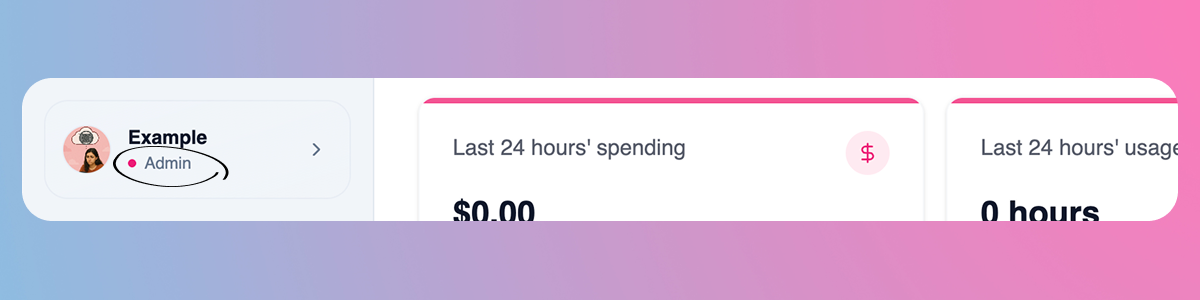
Only team admins can invite others. If you created the workspace, you’re the admin by default. Users can check if they are an admin by looking at their name in the top left.
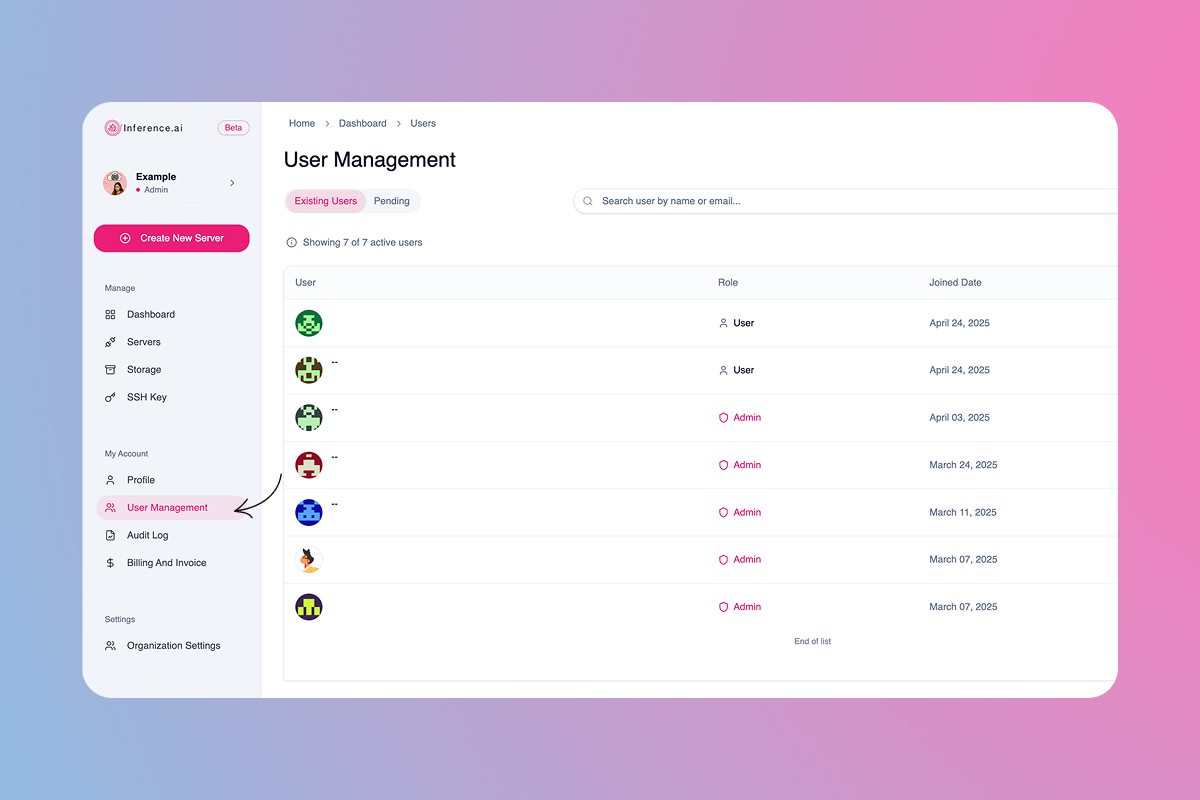
Navigate to
User Managementin the left sidebar
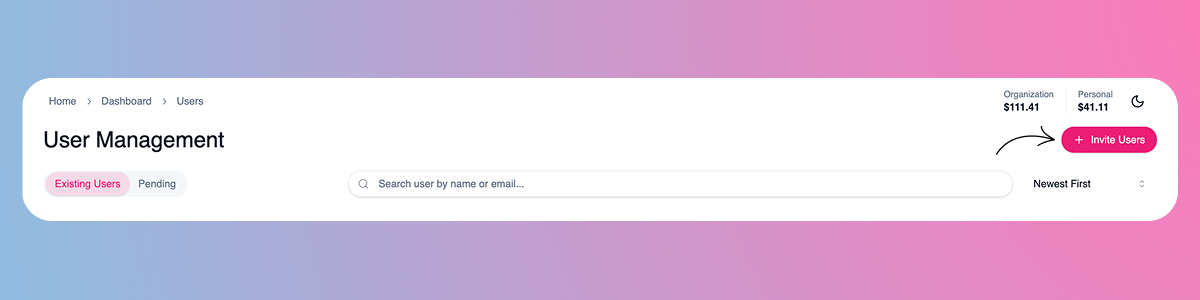
Select
Invite Userson the top right
(Option 1) Single Entry: Manually enter the email addresses of users you'd like to add, and select their role using the dropdown on the right
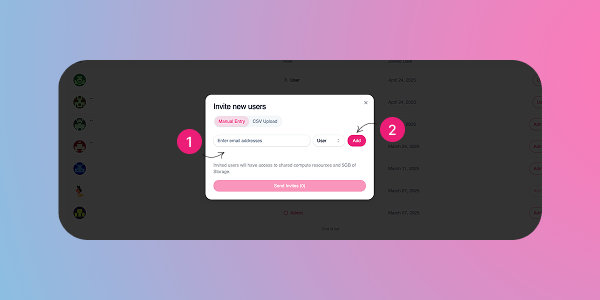
(Option 2) Bulk Entry: Switch to the
CSV Uploadoption to invite users in bulk. You can either download the sample CSV to follow the correct format and add multiple email addresses or upload your own properly formatted file
Still need help? Ask the team